As a continuation to our previous blog, Expert Series: Introduction to Cybersecurity, part two of this series will go into more detail on ways for protecting your personal information, including how to spot red flags in the event of a cyberattack.
If you missed the first part of this series, please refer to our previous blog to learn about the basics of cybersecurity. Continue reading for advice on cybersecurity from Faizel Dakri, our Chief Information Officer with extensive experience in the information technology and the banking industry.
Cybersecurity — General Tips
What are some steps you can take to protect your private information?
The most effective means of thwarting cyberattacks is understanding that any information you receive from an outside source could potentially be harmful. Instead of trusting blindly, you should make every effort to verify the source and accuracy of the information.
- Don’t automatically click on links in emails or websites without confirming the source of the link.
- Verify the websites you visit when providing sensitive information.
- Don’t automatically open attachments in an email unless you trust the sender and were expecting it.
- Look for the padlock in your browser’s address bar to verify you are on a secure connection.
- Slow down and think about whether the message you just received sounds too good to be true.
You have probably heard the phrases “think before you click” or “trust but verify”. These are both pieces of good advice.
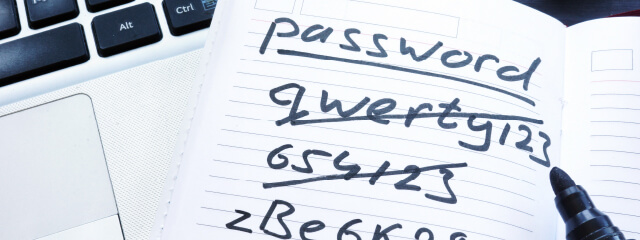
Today, passwords are still the most common way of protecting online accounts, so it’s a good idea to observe proper password “hygiene”.
- Do not reuse passwords.
- Make your passwords as long as your online service will allow.
- Use a password manager to help create long random passwords for your accounts. This will help protect yourself from giving passwords to imposter sites by only sharing passwords with the site for which the password was created. Password managers store your login information for all the websites you use and help you log into them automatically.
- Create strong passwords by stringing together multiple words to form a phrase and separating each word with a special character. For example: video$staple$outlet.
- Change the default passwords on your devices such as wireless routers and security cameras. These default passwords are easily located on the internet and can give attackers a backdoor into your home network.
- When available, use multi-factor authentication (MFA) or two-factor authentication (2FA). These ensure that only someone in possession of a special “token” associated with a specific device, such as your mobile phone, can access the account. Now an attacker needs not only your password but also your mobile phone to access your account.
In addition to protecting your accounts, you can also protect your computers by installing anti-virus software. This software will help prevent the installation of malicious files that you might download or receive in an email. Another layer of protection for your computers is the use of a firewall. Many home routers today have a built-in firewall – it’s a good idea to enable it.
Is it safe to use public wi-fi?
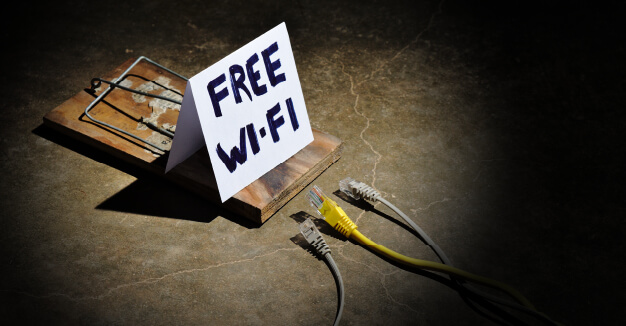
Without a doubt, public wi-fi is convenient. Yet, there are significant risks of using a public wireless network. In general, if you are visiting secure websites (i.e. those whose address starts with an “https:” and that are adorned with a padlock in the address bar), your information is generally secure; however, there are still residual risks involved.
For example, consider a public hotspot at a café. A hacker can insert himself between you and the café’s hotspot so that you are connected to the hacker instead of the café’s wi-fi. The hacker now has full access to whatever you send or receive, even over secure connections.
Often in a public wi-fi network, all connected devices are visible to each other while connected to facilitate file sharing, so a hacker can use that to share malicious files on your device.
If you find yourself using public wi-fi often:
- Consider investing in a virtual private network (VPN) service. These services will ensure that any information leaving and entering your computer is encrypted, protecting it from prying eyes.
- Disable any file-sharing services that your device supports to prevent strangers from sending you files.
- Keep your wi-fi disabled when not in use to limit access to your device.
Is mobile banking safe?
Mobile banking has become an indispensable part of our financial lives. In general, mobile banking is safe, provided you follow good cybersecurity practices, such as those outlined above. Communication between your mobile phone and your bank is protected by strong encryption, and banks employ various cybersecurity measures to ensure your data is safe with them.
Mobile banking also offers additional security features that are always with you. For example, at Wallis Bank, we offer the Card Safe product, which you can use to turn your debit card on and off, as well as set geographic and merchant type restrictions.
If you are a business that relies on treasury management services, products such as Wallis 360 can be an essential part of securing your finances. Features such as dual control, real-time alerting, enhanced security, and user rights provide a very fine-grained set of controls that you can utilize to protect your business.
What red flags can you look for to help spot phishing scams?
There are many types of phishing scams that are sent over email; however, there are some tell-tale signs that an email is a phishing attempt.
- A sender name that is different from the actual sender’s email address. Always verify the sender and sender email.
- Misspellings and incorrect grammar
- A stranger offering you compensation for doing almost nothing
- An email or request pressuring and urging you to take immediate action
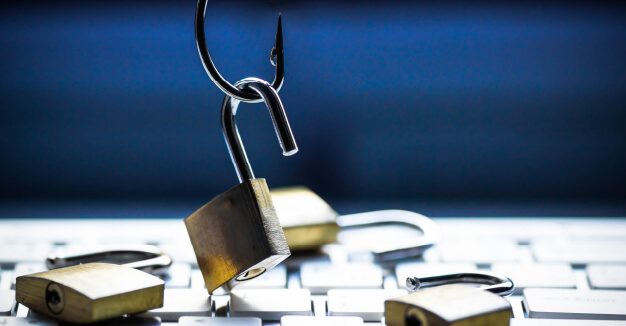
The good news is, there are many ways to protect yourself and your finances online. One of the most important has nothing to do with technology and instead is all about awareness. Take a step back and ask yourself whether or not an offer seems too good to be true. Don’t fall victim to a scammer that is threatening you with legal action or tells you your computer is infected with malware. Remember, don’t offer any personal information from an unsolicited caller—your bank is not going to call you and ask for your password or security code!
Stay tuned for part three of this Expert Series, where Dakri will discuss what you might do if you suspect you’ve been a victim of a cybersecurity attack.
- Ⓒ Wallis Bank, All rights reserved.
-
 Equal Housing Lender
- Privacy Notice Disclosures